Revolutionize Your Bidding: The Future of AI Takeoff Software for Contractors
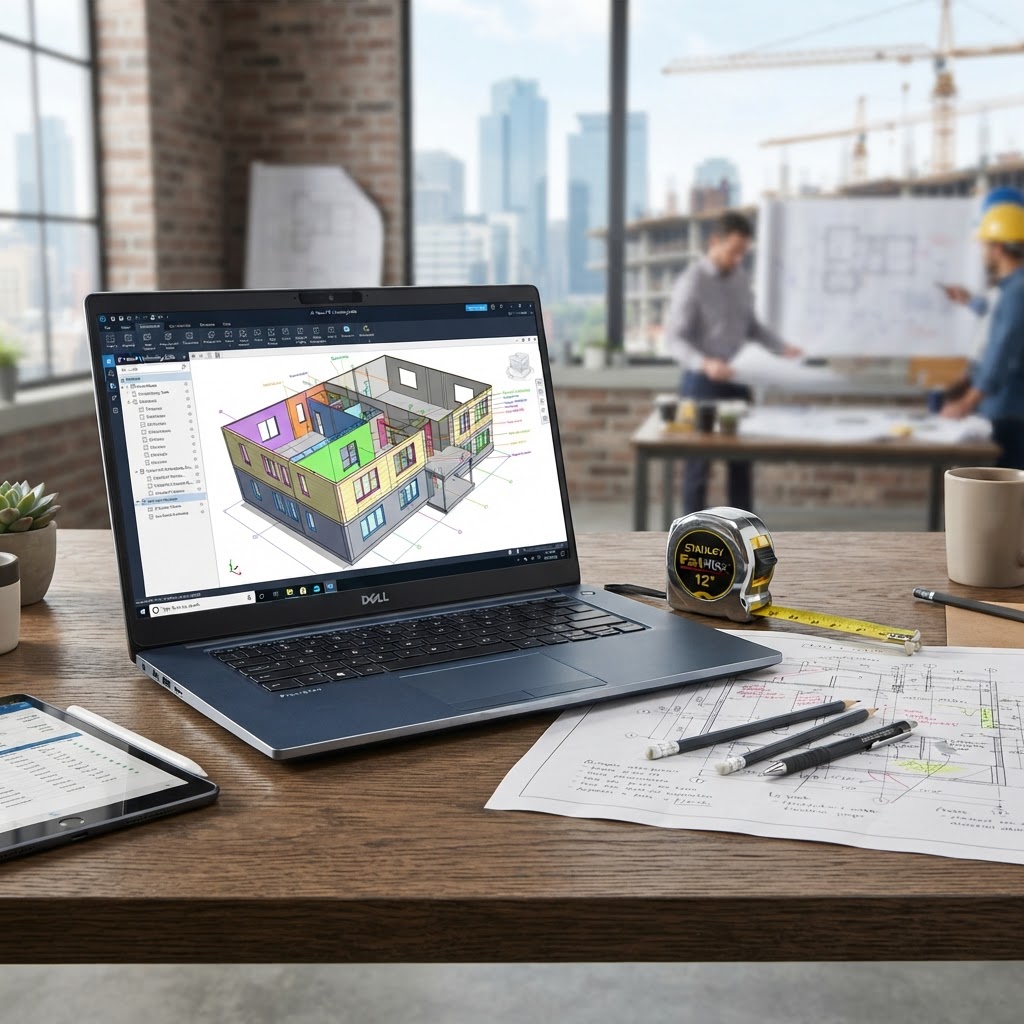
Discover how AI takeoff software transforms manual blueprint counting into instant, accurate material lists and cost estimates. Win more bids today.
About this article
Boost your bidding efficiency with BuilderCore, the best AI takeoff software. Get instant material counts, automated takeoffs, and accurate construction estimates.
Stop Counting by Hand: The Rise of AI Takeoff Software
Are you still spending your weekends hunched over blueprints, manually counting studs, measuring square footage for drywall, or scaling roofing materials? The manual takeoff process is not just tedious; it is the primary cause of estimation errors that cost you thousands in lost margins or failed bids. With AI takeoff software, you can reclaim your time and bid with total confidence. By leveraging AI construction takeoff software, general contractors and tradespeople are now automating the most difficult parts of project estimation, ensuring they win more work without the burnout.
What is AI Takeoff Software?
At its core, AI estimating software acts as an intelligent assistant that reads construction drawings just like you do, but in seconds rather than hours. Using advanced computer vision and machine learning, this technology analyzes your digital blueprints to identify, count, and measure materials automatically. Whether you need an AI quantity takeoff for concrete, an AI roofing takeoff, or an AI drywall takeoff, the system recognizes symbols and lines to generate precise measurements, making it the most advanced digital takeoff software available today.
Why Manual Takeoffs are Killing Your Profit Margins
Manual construction takeoff software or paper-based methods are prone to human fatigue. When you rely on traditional methods, you face significant pain points:
- Hours wasted measuring every wall and opening manually.
- Calculation errors that lead to material shortages on-site.
- Inconsistent bidding that makes it impossible to track your win-loss ratio.
- Over-ordering materials to cover for inaccuracies, wasting money.
- Falling behind competitors who use modern construction estimating software to bid faster.
How AI Blueprint Takeoff Works
The process of using AI blueprint takeoff is designed for simplicity. First, you upload plans for AI takeoff directly to the platform. The AI reads construction drawings, detecting walls, floors, fixtures, and roof geometry. Within moments, the AI generates a comprehensive material list and a preliminary AI construction cost estimator. Finally, you review the quantities and export the data for your final bid. It is a seamless transition from a PDF file to a professional, data-backed quote.
The Benefits: Why You Need AI Estimating Software
Switching to a robust AI construction estimator offers immediate competitive advantages. You will experience 10x faster takeoffs, allowing you to bid on more projects each week. Accurate AI material takeoff data ensures your margins remain protected, while the automated nature of the software reduces human bias in your cost projections. By utilizing online takeoff software, you can collaborate with your team anywhere, ensuring your firm stays ahead of the industry trends monitored by organizations like the Associated General Contractors of America.
The BuilderCore Advantage
BuilderCore is the best AI takeoff software specifically built for contractors who need results fast. By combining AI digital takeoff software with intuitive project management tools, BuilderCore allows you to go from plan upload to completed bid in record time. Whether you are a general contractor needing comprehensive building takeoff software or a trade-specific specialist looking for AI drywall digital takeoff, BuilderCore has the features to handle your workflow. Explore our dashboard features page to see how we simplify your estimating process.
Comparison: Manual vs. AI Takeoff
| Feature | Manual Takeoff | Traditional Software | BuilderCore AI Takeoff |
|---|---|---|---|
| Speed | Very Slow | Moderate | Instant |
| Accuracy | Low (Human Error) | Medium | High (Machine Precision) |
| Learning Curve | Low | High | Minimal |
| Output | Handwritten Lists | Spreadsheets | Full Automated Bids |
Common Takeoff Mistakes to Avoid
Many contractors still rely on outdated on-premise tools or manual paper counting, which leave them vulnerable to project cost overruns. Avoiding AI plan takeoff tools is a strategic mistake that limits your growth. Furthermore, failing to utilize trade-specific takeoff tools—such as dedicated AI roofing takeoff software—leads to missing critical material components. Always ensure your team prioritizes AI construction plan analysis to maintain safety and compliance standards, as emphasized by OSHA.
Frequently Asked Questions
- Can AI read any blueprint format? Yes, modern AI tools easily parse standard PDF and CAD blueprint files.
- How accurate is AI quantity takeoff? AI offers precision far beyond human capability, typically exceeding 95% accuracy on standard construction plans.
- Does it work for roofing and drywall? Absolutely; BuilderCore excels at AI roofing takeoff and AI drywall digital takeoff.
- Will it help me win more bids? Yes, by allowing you to submit faster, more accurate, and more professional quotes.
- Is it hard to learn? No, BuilderCore is built for ease of use, even for those not tech-savvy.
Start Your AI Estimating Journey
Ready to stop wasting hours and start winning more jobs? Experience the power of the best construction estimating software on the market. Try BuilderCore AI takeoff today for free. Simply upload your plans, let the AI generate your quantities, and see why contractors are moving to the future of estimation. No credit card is required to get started.